Preview Segments Before Creating

Preview Segments Before Creating

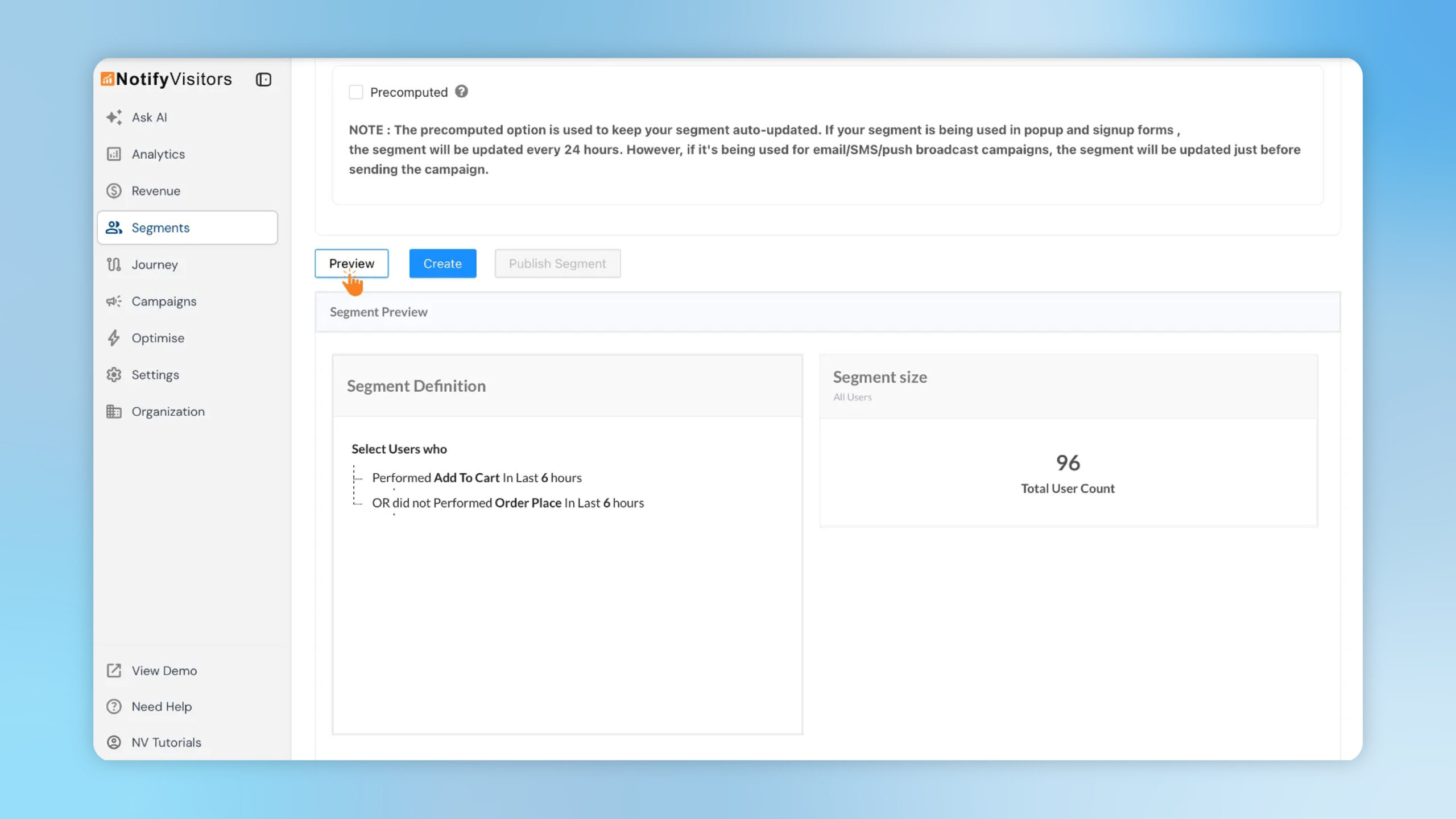
Segment Preview lets you see the live segment definition and total user count while you build your segment. This removes guesswork, speeds up iteration, and ensures your rules and audience size are accurate before you create or publish.
Introducing Powerful New RFM Capabilities

Introducing Powerful New RFM Capabilities

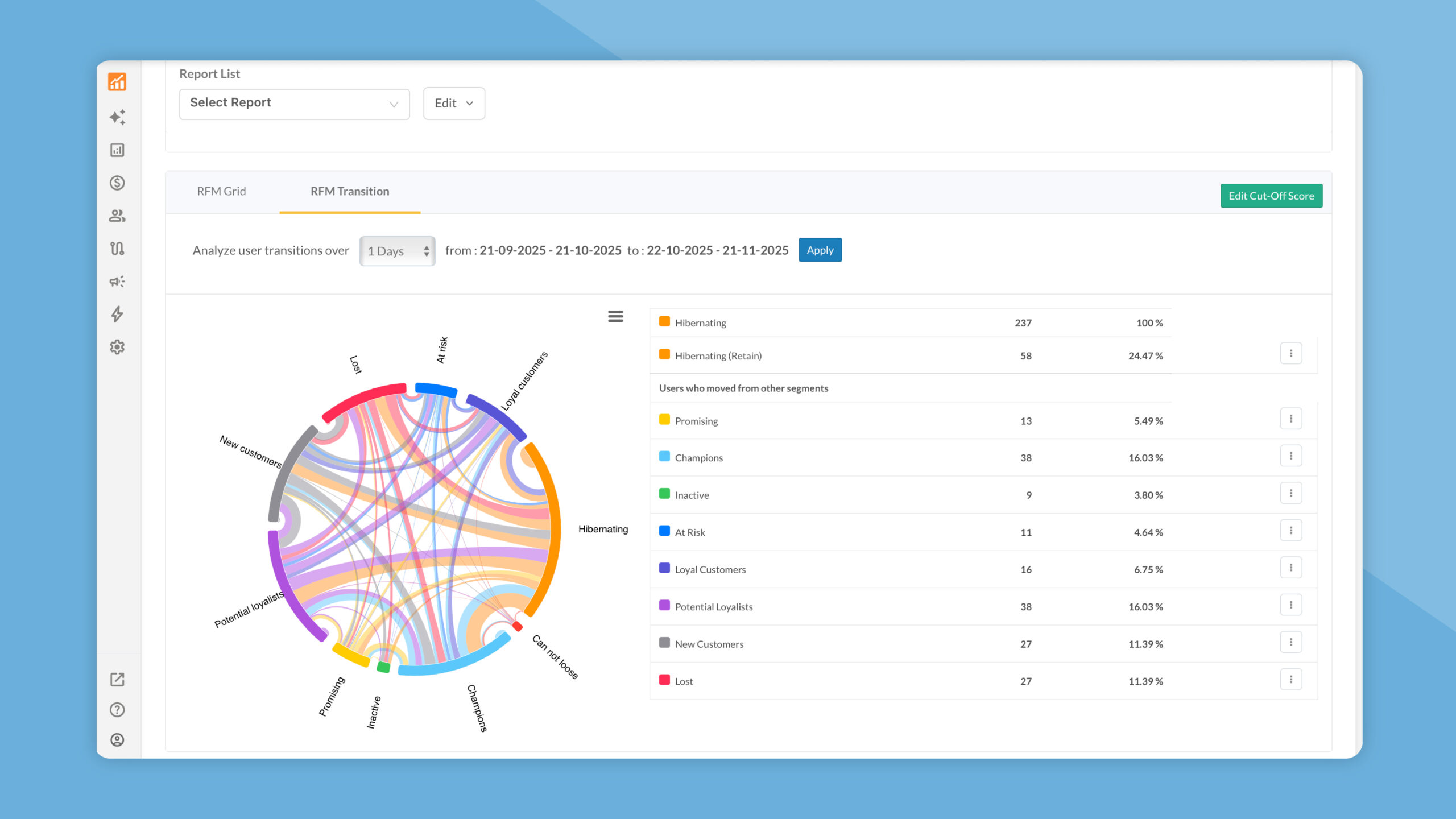
We’ve upgraded RFM with richer controls, saved reports, and deeper insights to help you analyze customer value more efficiently. From reusable report presets to expert-level manual cut-offs and a new RFM Transition view, these enhancements make your segmentation faster, more accurate, and action-ready.

A faster, cleaner Console UI (with a smart sidebar)

A faster, cleaner Console UI (with a smart sidebar)

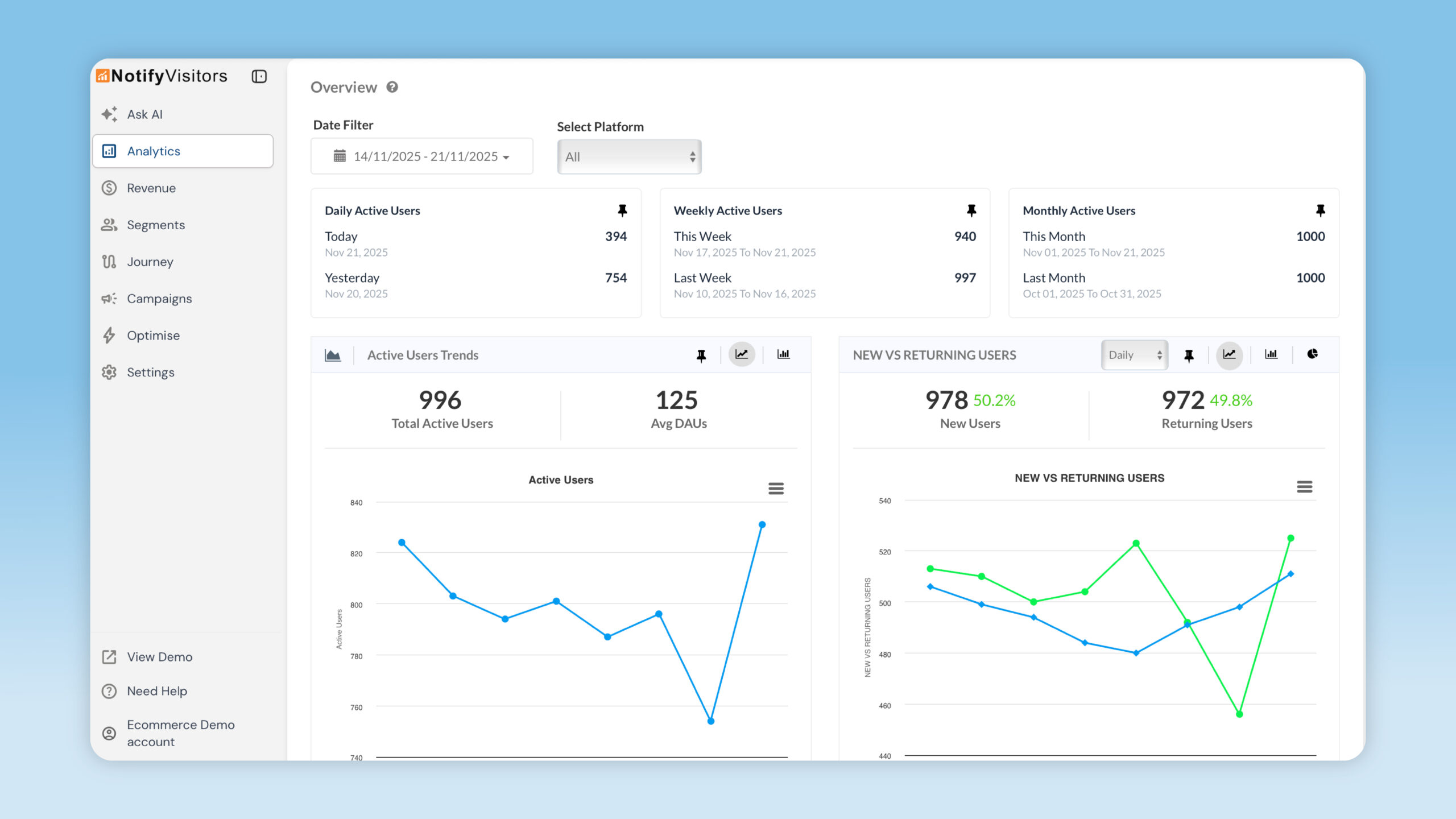
The NotifyVisitors console now feels lighter and more efficient with a collapsible sidebar, hover-to-browse navigation, and relocated global controls. These updates give you more workspace, quicker access to inner pages, and a smoother overall experience while analyzing data or building assets.

Updated User Acquisition Activity: First seen and Identified on

Updated-User-Acquisition-Activity

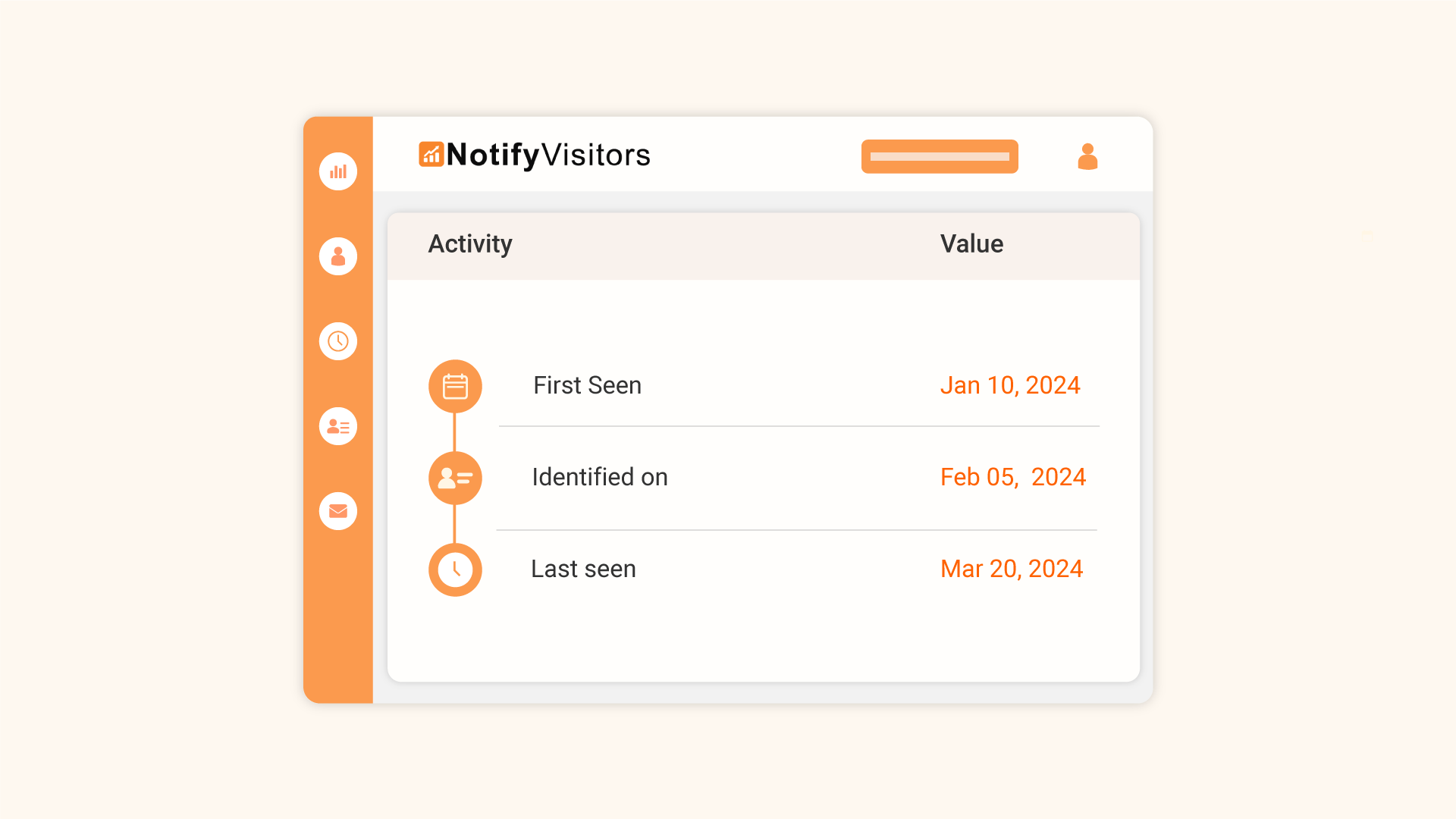
User profiles now separate First seen (first anonymous visit) from Identified on (when the user was recognized), alongside Last seen. This fixes first-touch attribution, clarifies conversion timing, and improves lifecycle analysis—visible in User One View and the Acquisition tab.

Added the Redirection Option in Custom Board Cards

Added the Redirection Option in Custom Board Cards

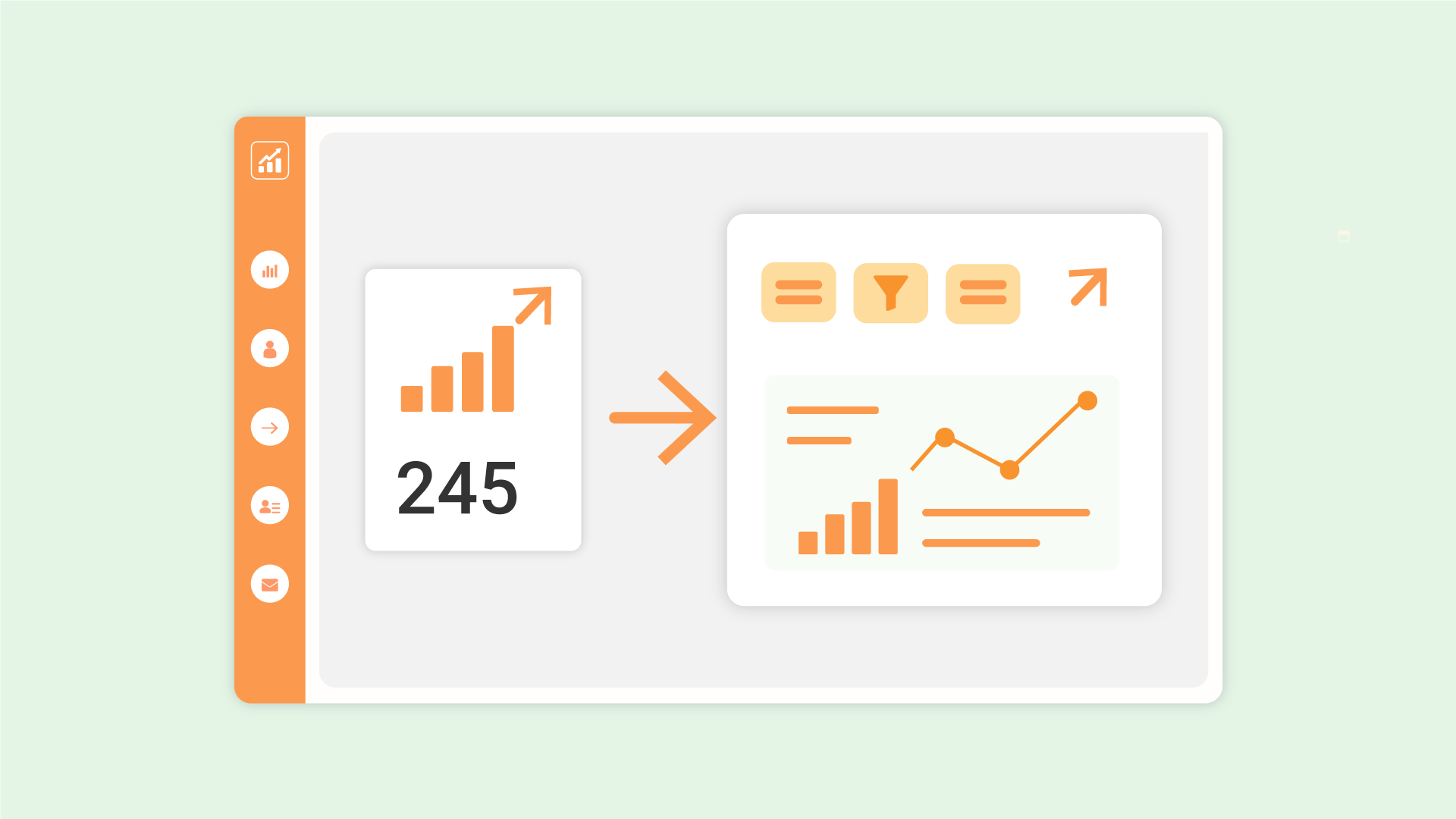
Custom board cards now include a redirect icon that takes you straight to the full analytics report with the same events and filters pre-applied. It helps teammates jump into the detailed view quickly for deeper analysis or quick adjustments.

Distinct Count Aggregate Property in Segments

Distinct-Count

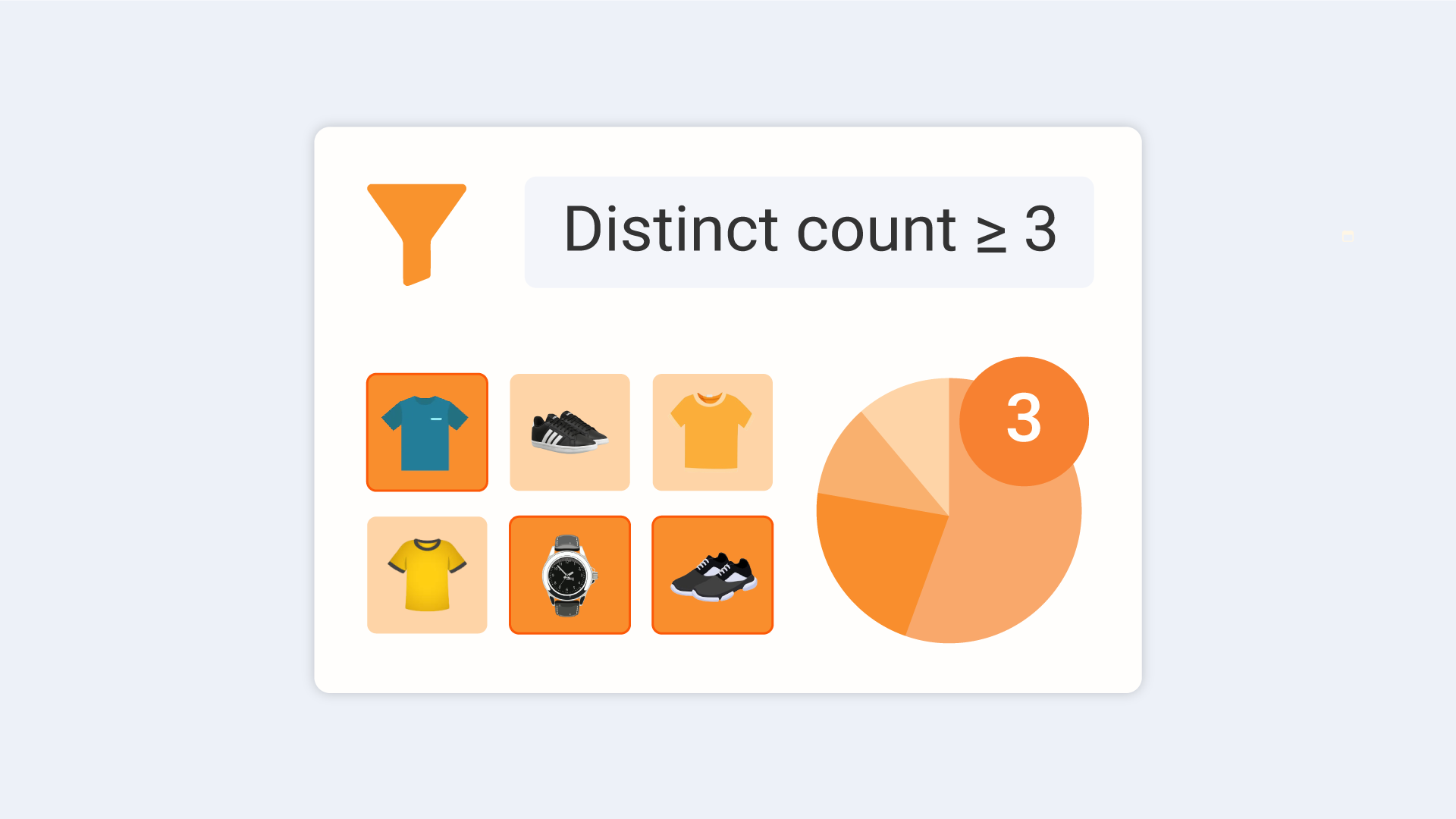
Filter users by the number of unique values of an event attribute or time unit (date/day/month)—perfect for measuring variety vs. volume (e.g., buyers from ≥5 different categories). Set it up by choosing Aggregation → Distinct Count of Property in segment conditions, then pick the attribute/time field and your threshold.

Journey Test Mode

Journey Test Mode

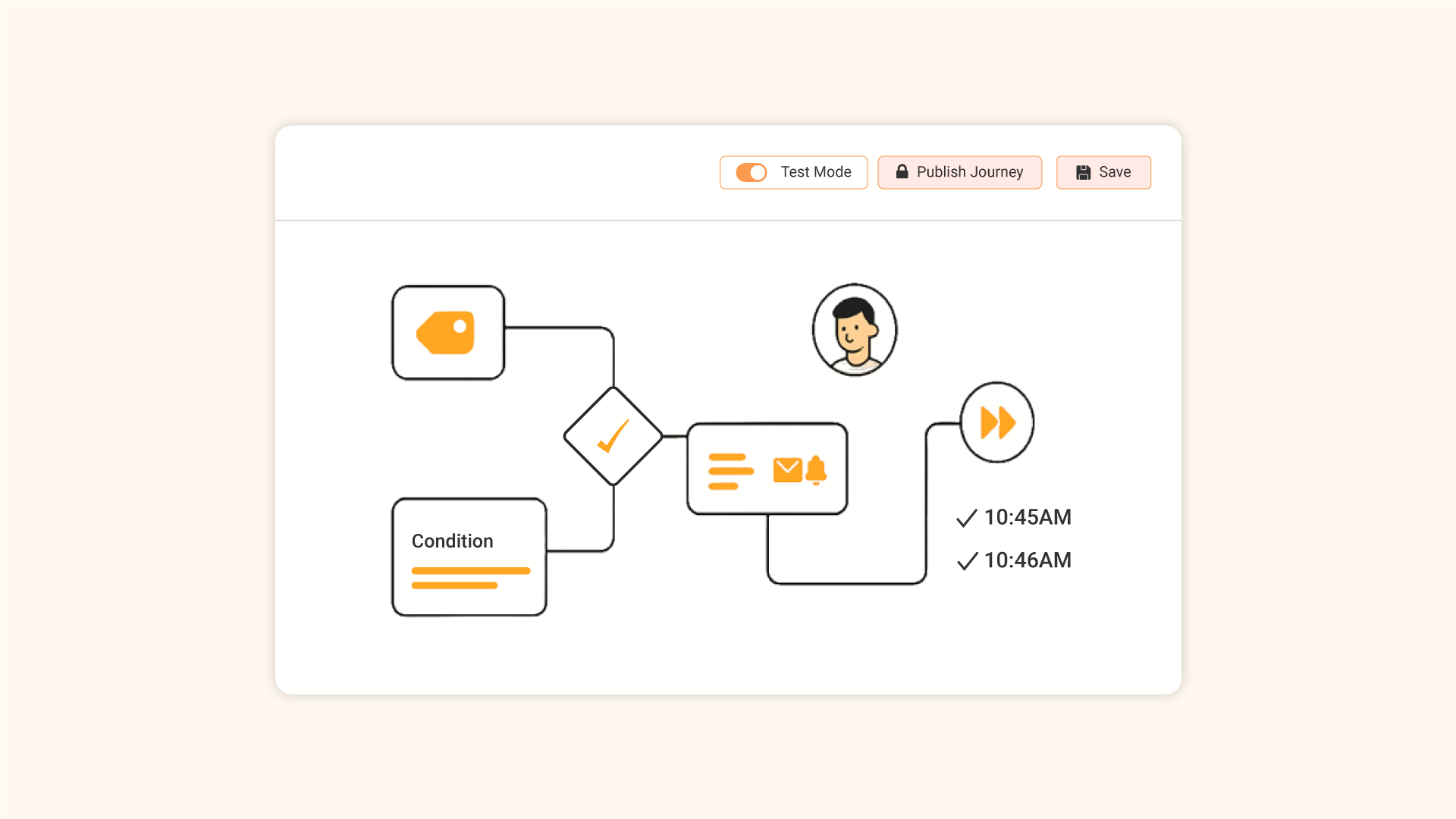
Validate event-triggered journeys end-to-end on selected test users before publishing. Enable Test Mode, run Test Journey to pick a test user and tweak sample event data, then review real sends (or use time-lapse for instant checks). When everything looks good, turn off test mode and publish.

Introducing In-App Native Displays

Introducing Native In-App Banners

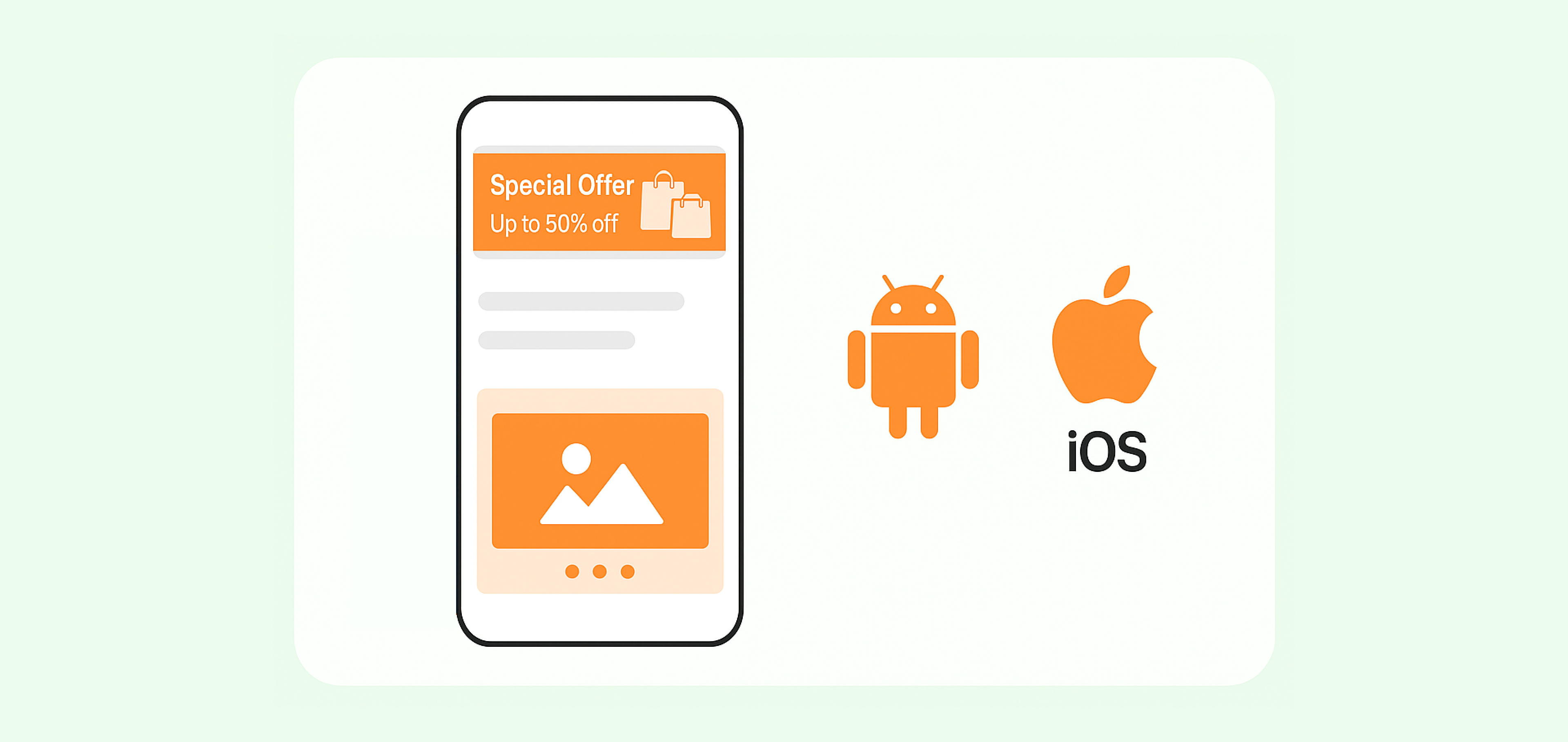
Seamlessly integrated into your app’s interface, native in-app banners offer a non-intrusive way to communicate with users. Available on Android and iOS, they come with customizable banner and carousel templates that match your brand, making setup fast and engaging.

New segment filter in Insights and Event reports

New segment filter in Insights and Event reports

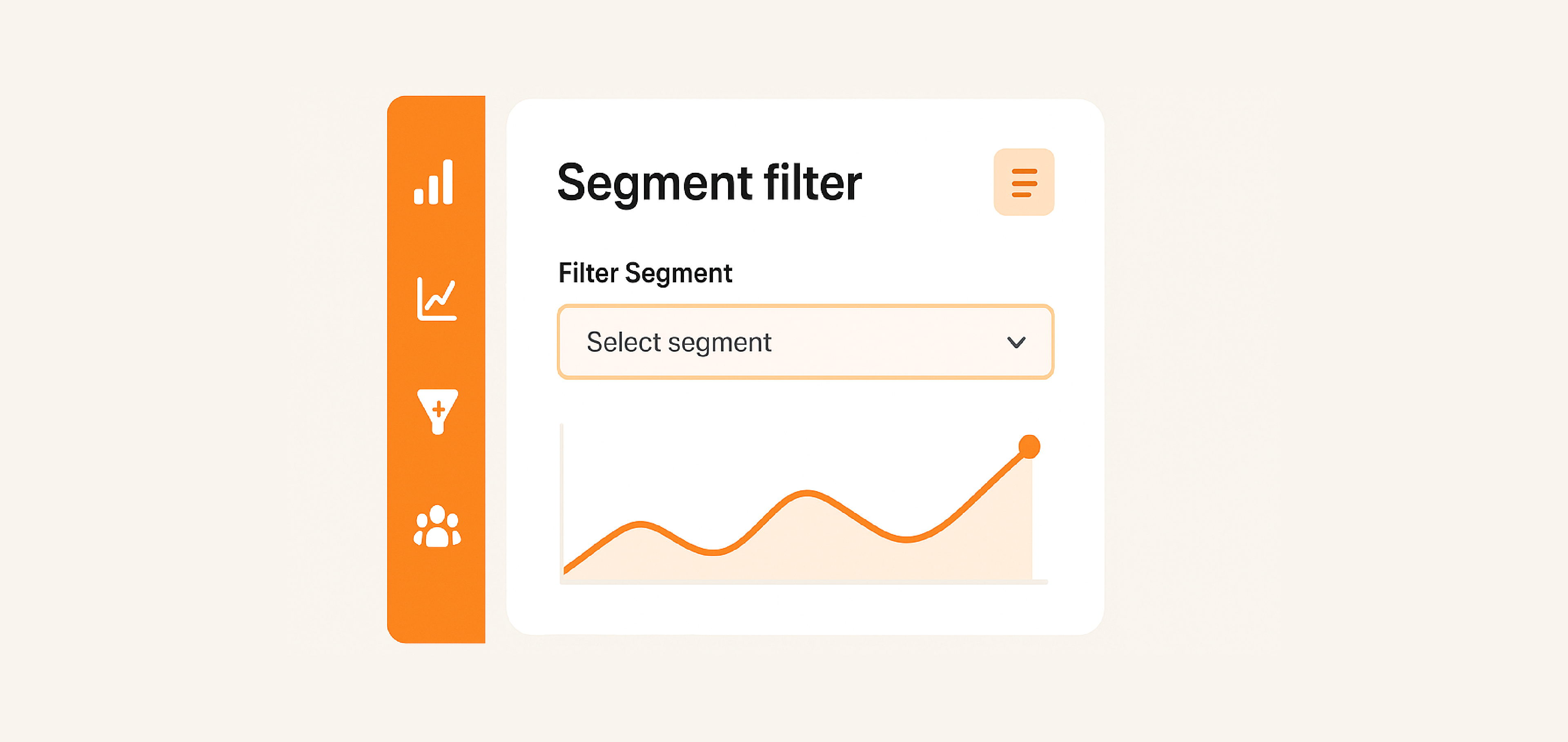
You can now filter reports by specific user segments in both Insights and Event analytics. Simply choose a segment from the Filter Segment dropdown to analyze only the actions of users within that group.