
 Email
Email SMS
SMS Whatsapp
 Web Push
 App Push
 Audience Sync for Ads
 Popups
 Channel A/B Testing
  Control groups Analysis
 Frequency Capping
 Funnel Analysis
 Cohort Analysis
 RFM Analysis
 Signup Forms
 Surveys
 NPS
NPS Landing pages personalization
  Website A/B Testing
  PWA/TWA
 Heatmaps
 Session Recording
 Wix
Wix Shopify
 Magento
 Woocommerce
 eCommerce D2C
  Mutual Funds
 Insurance
 Lending
  Recipes
  Knowledgebase
 Developer Docs
 Product Updates
 App Marketplace
 Academy
 Ebooks
 Case Studies
 Blog
Blog Templates
NVecta now brings AI across the entire email creation flow, from subject lines and pre-headers to complete email templates. This update helps teams create high-quality email copy and layouts faster, directly within the campaign editor, reducing manual effort and speeding up campaign launches.
How it works
While creating or editing an Email Campaign, AI options are available directly within the editor. You’ll find AI icons next to the Email Subject field, and AI-powered template generation inside the Drag & Drop Editor.
Email subject & preheader
Click the AI icon next to the Email Subject to open the AI content generator.
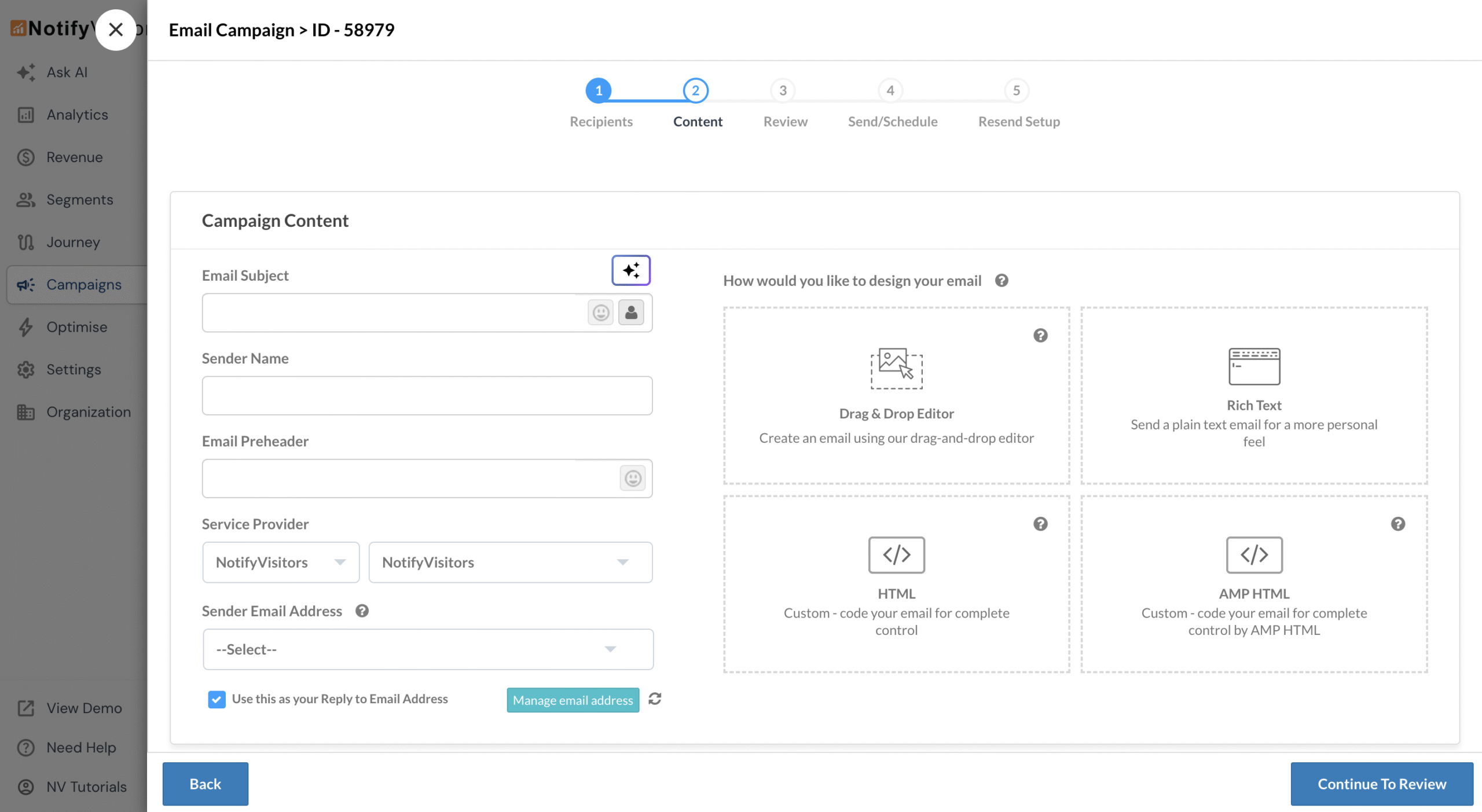
Start by defining a campaign goal, which acts as the primary prompt. You can choose a predefined goal, modify it, or write your own. Optionally, refine the output by setting include or exclude keywords, target audience, writing style, tone, language, coupon type, and emoji preferences. Click Generate to view results, adjust inputs if needed, and regenerate. Browse multiple variations using the arrow control on the right and lastly, click Select this to apply the chosen subject and pre-header.
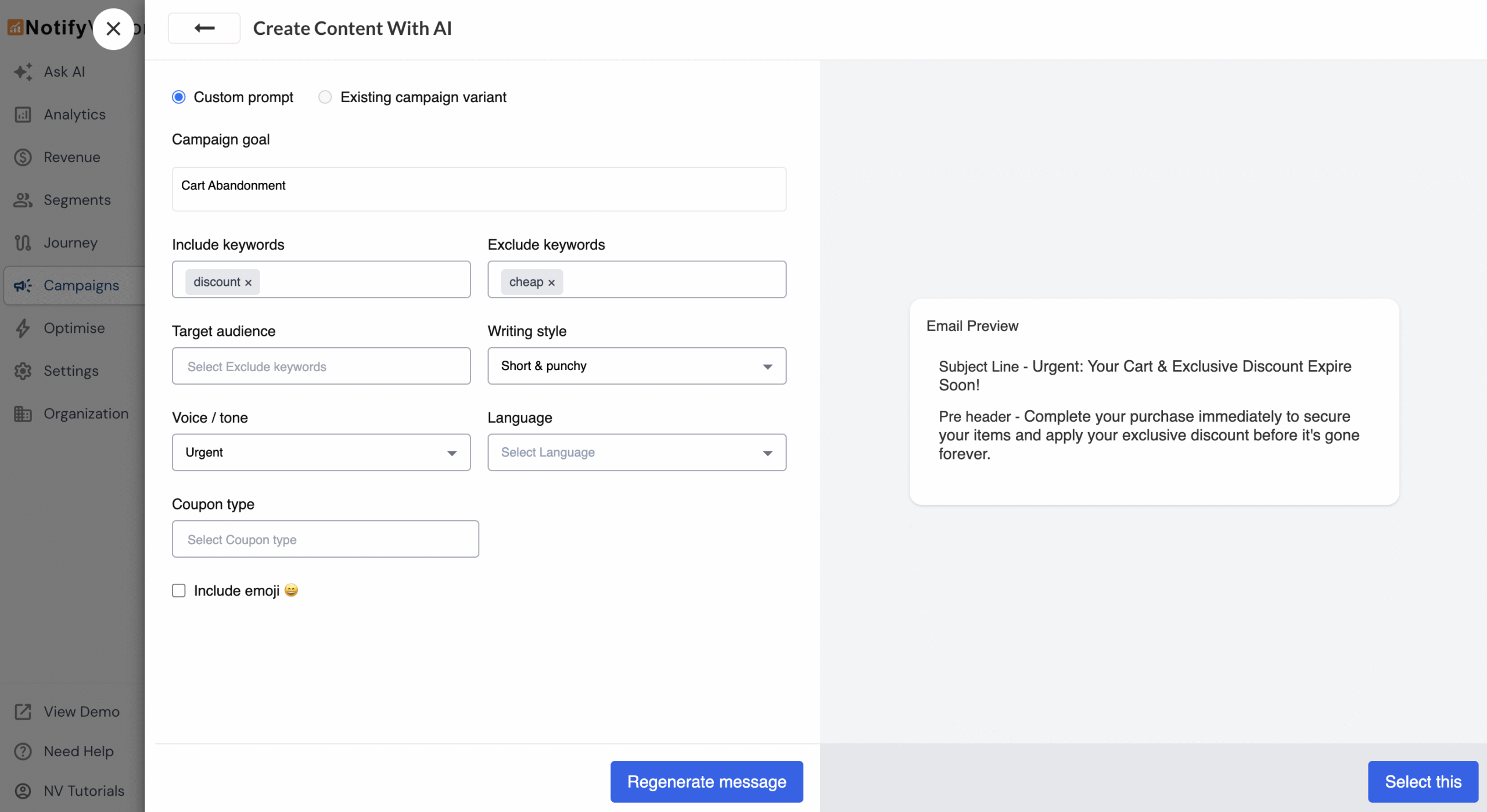
A/B Test
AI content generation is also available while creating A/B test variations. When you click the AI icon under the A/B Test section, it opens in Existing campaign variant mode by default. This allows you to specify the changes you want to make to the original campaign and quickly generate a new variation for testing.
Email Template
In addition to subject, you can also use AI to generate complete email templates. When using the Drag & Drop Editor, select Create from scratch and click Create content with AI. An AI email designer opens in the sidebar, where you can choose a predefined template or enter a custom prompt.
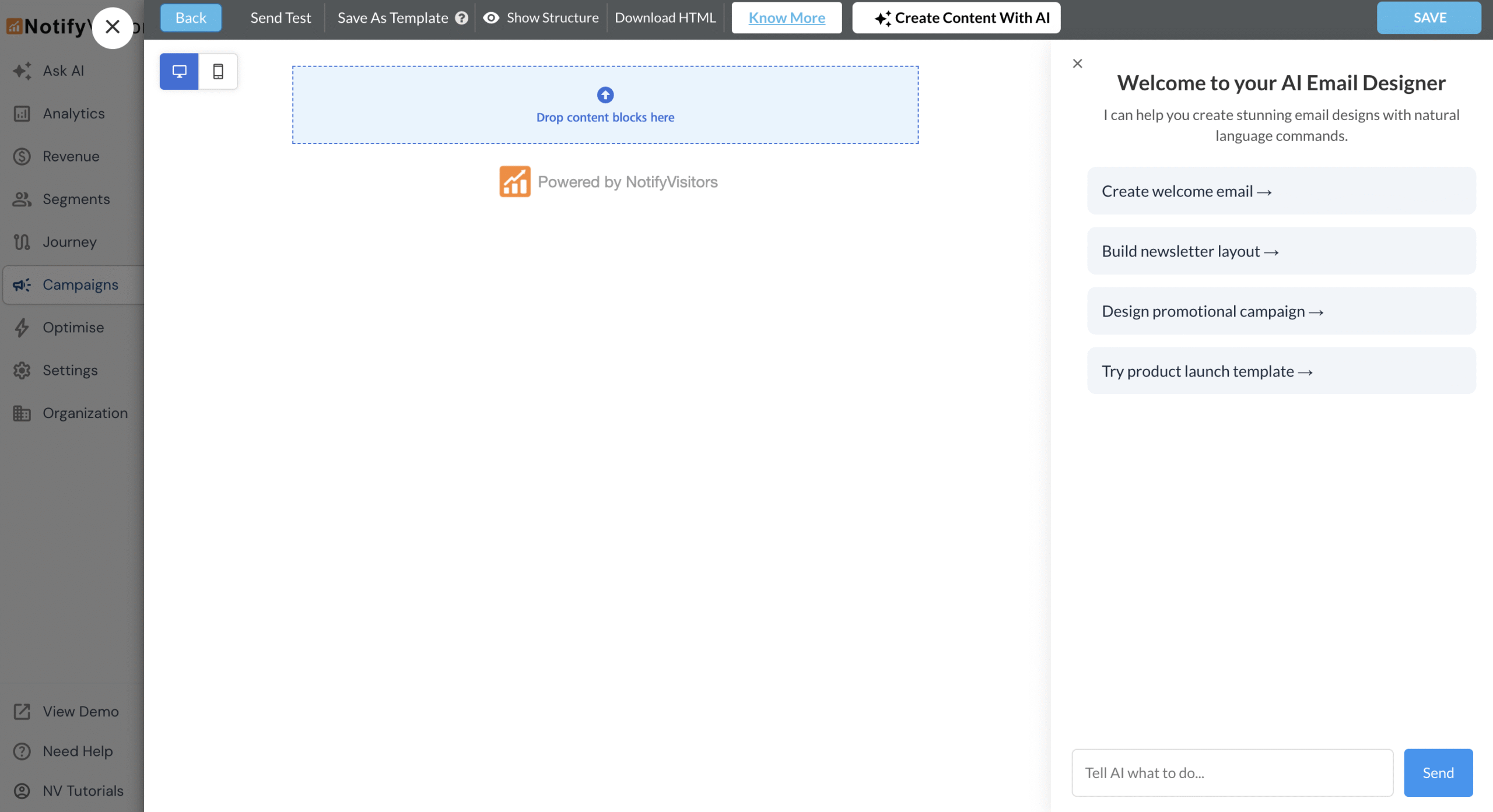
The generated template automatically follows your brand colors, uses royalty-free stock images, and remains fully editable. You can fine-tune it manually using the Drag & Drop editor or simply describe the changes you want in natural language.
With these AI capabilities you can now generate complete email campaigns faster, right inside the NVecta editor.
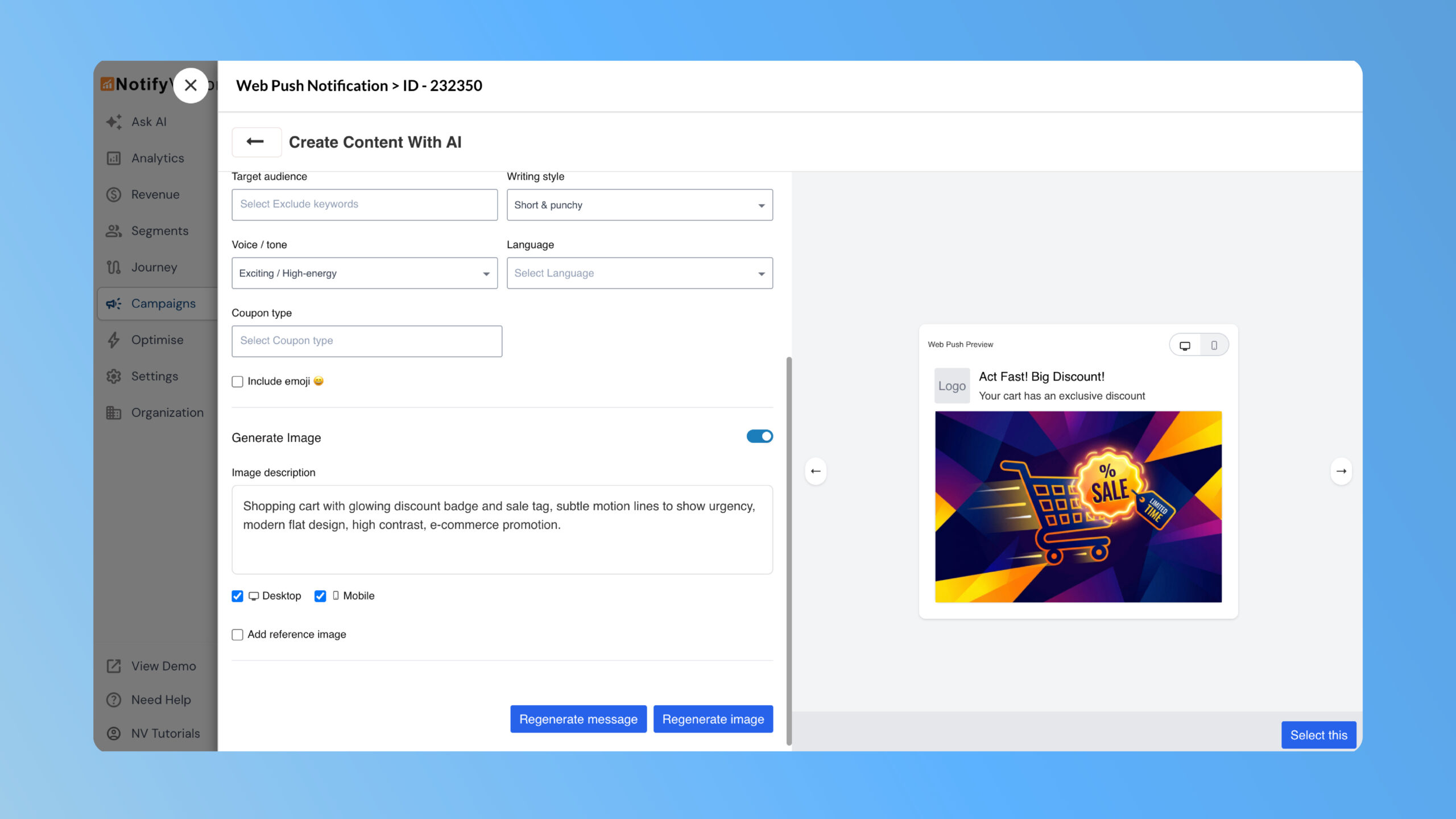
NVecta now lets you generate push notification copy and images using AI directly inside the Push editor. Create multiple text Read more
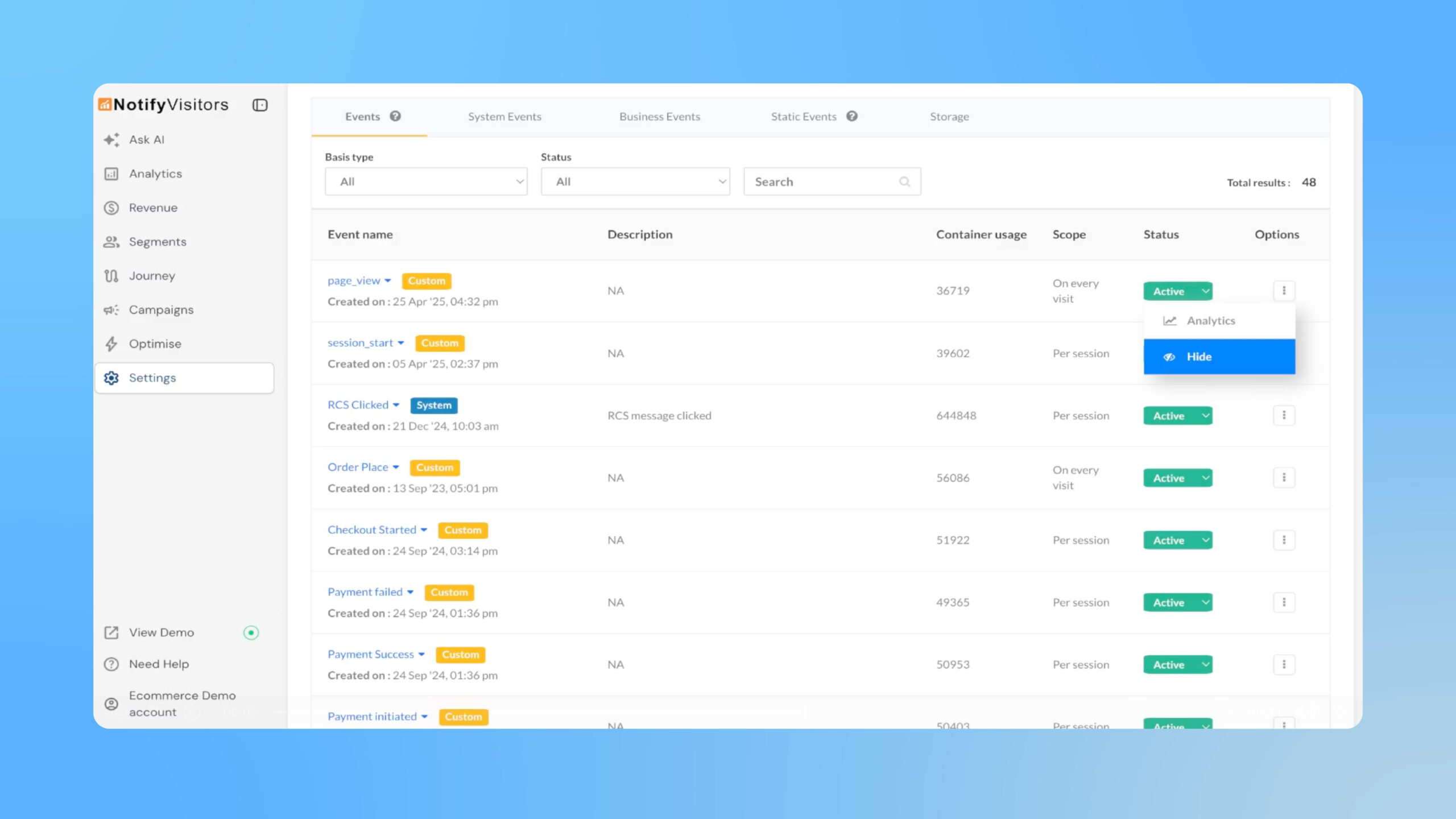
Easily hide rarely used events from the Events analytics panel and reports without affecting tracking or existing segments and journeys. Read more
